Structured FNOL Intake
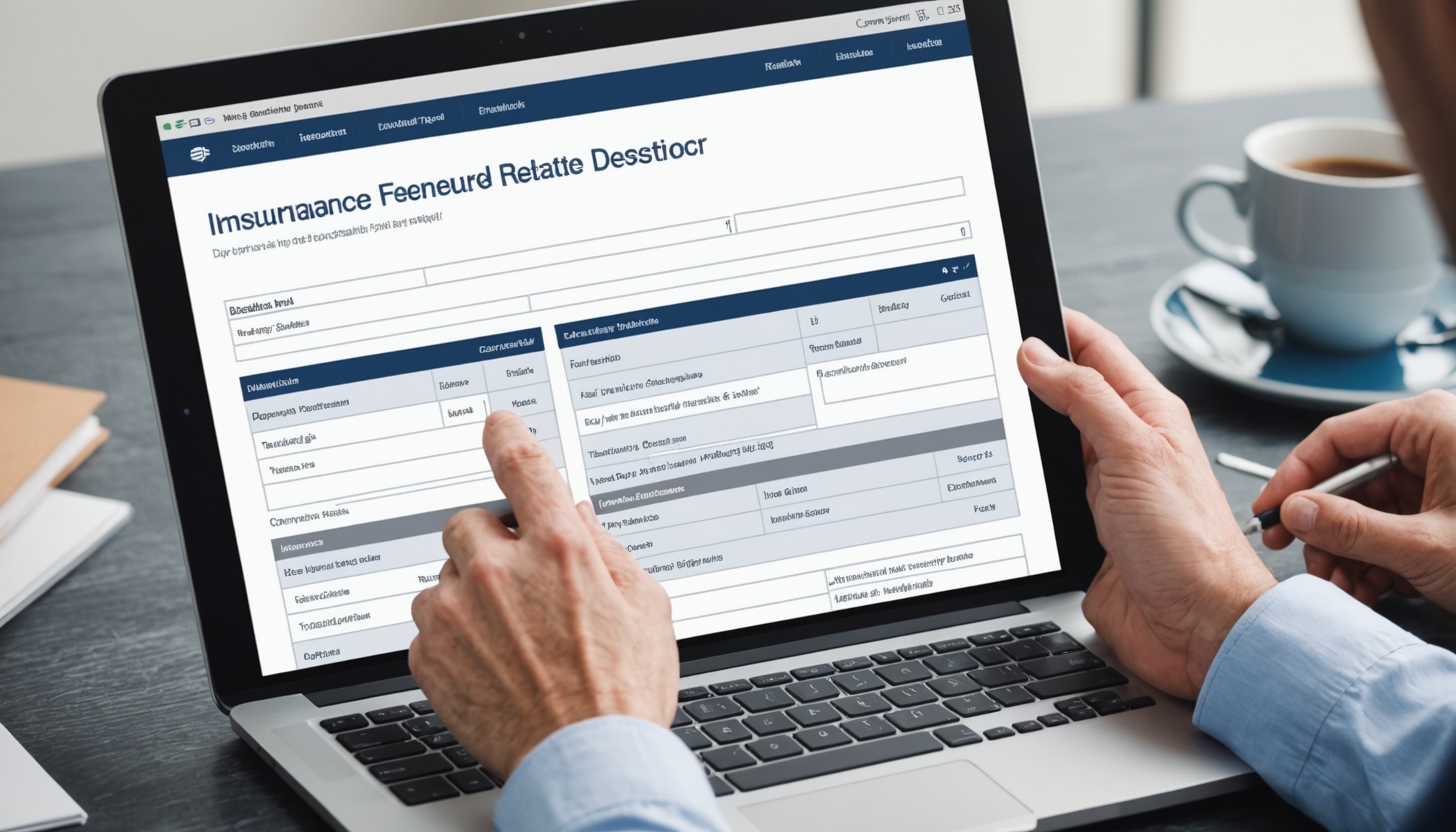
Fnolwise provides a configurable web intake form for commercial insureds and brokers that captures all required first-notice fields — policy number, loss type, loss date, loss location, affected property or vehicle, and initial contact information — in a single structured submission. The same intake layer accepts phone call transcripts via IVR feed integration and parses inbound claim notification emails. All three channels normalize to the same FNOL data schema, so adjusters receive consistent structured records regardless of how the insured reported.
Severity Triage Classification
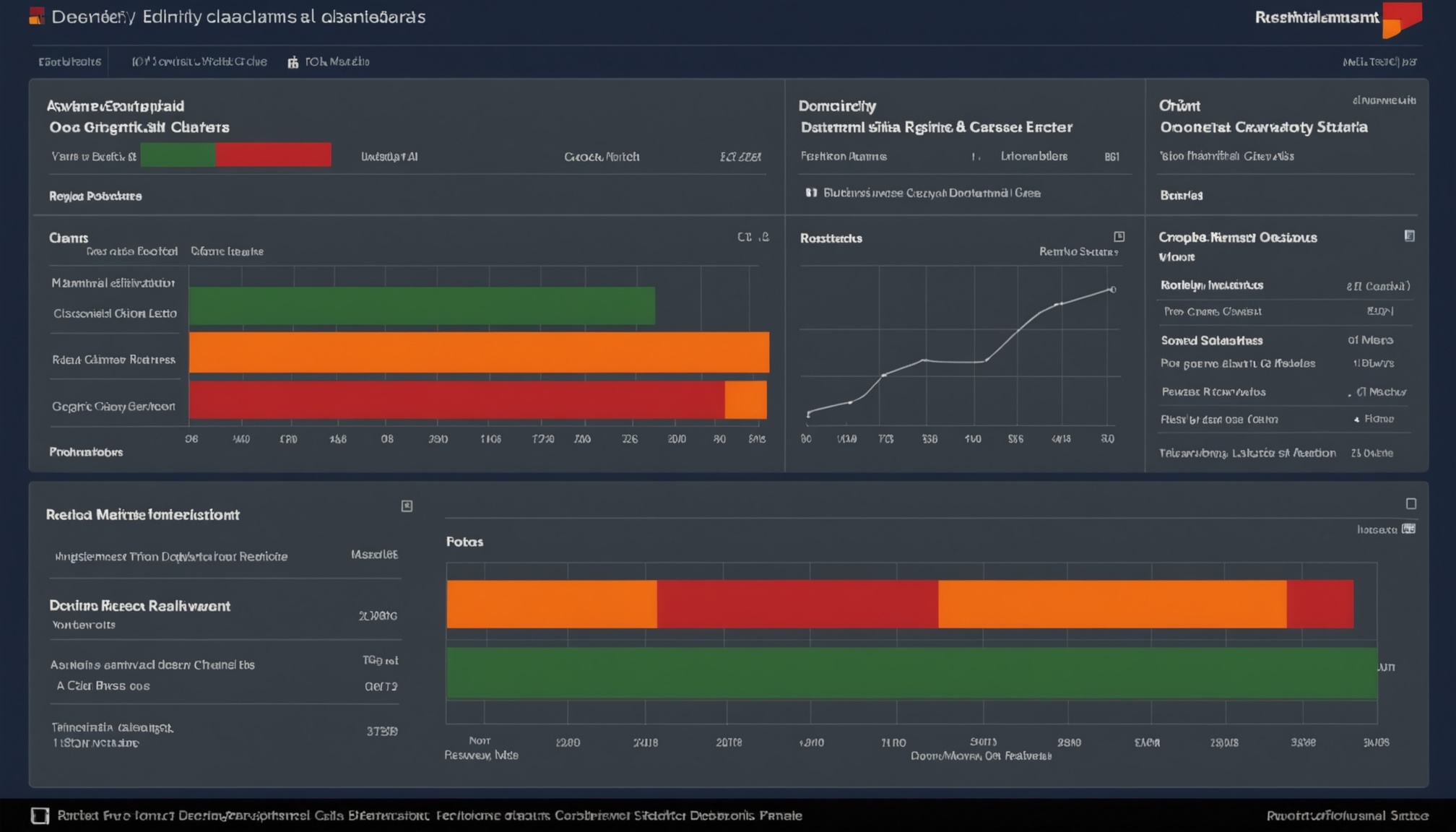
Not every commercial FNOL event requires the same adjuster response time. Fnolwise's classification model assigns a severity tier — routine, elevated, critical — based on loss type, reported dollar exposure, number of claimants, and policy coverage limits. A reported water intrusion in a warehouse needs a different triage path than a multi-vehicle commercial auto accident with reported injuries. Triage output drives assignment priority so critical claims reach a specialized adjuster within the first hour, not after a manual queue review.

Coverage Match Verification
Commercial P&C adjusters spend meaningful time on claims that turn out to be outside active coverage — expired endorsements, excluded loss categories, or wrong policy numbers. Fnolwise pulls the policy record via integration at FNOL receipt and runs a preliminary coverage match, flagging potential coverage gaps or exclusions before assignment. The carrier's adjuster receives the FNOL record with a coverage confidence indicator and the specific policy sections relevant to the reported loss type.
Adjuster Assignment Recommendation
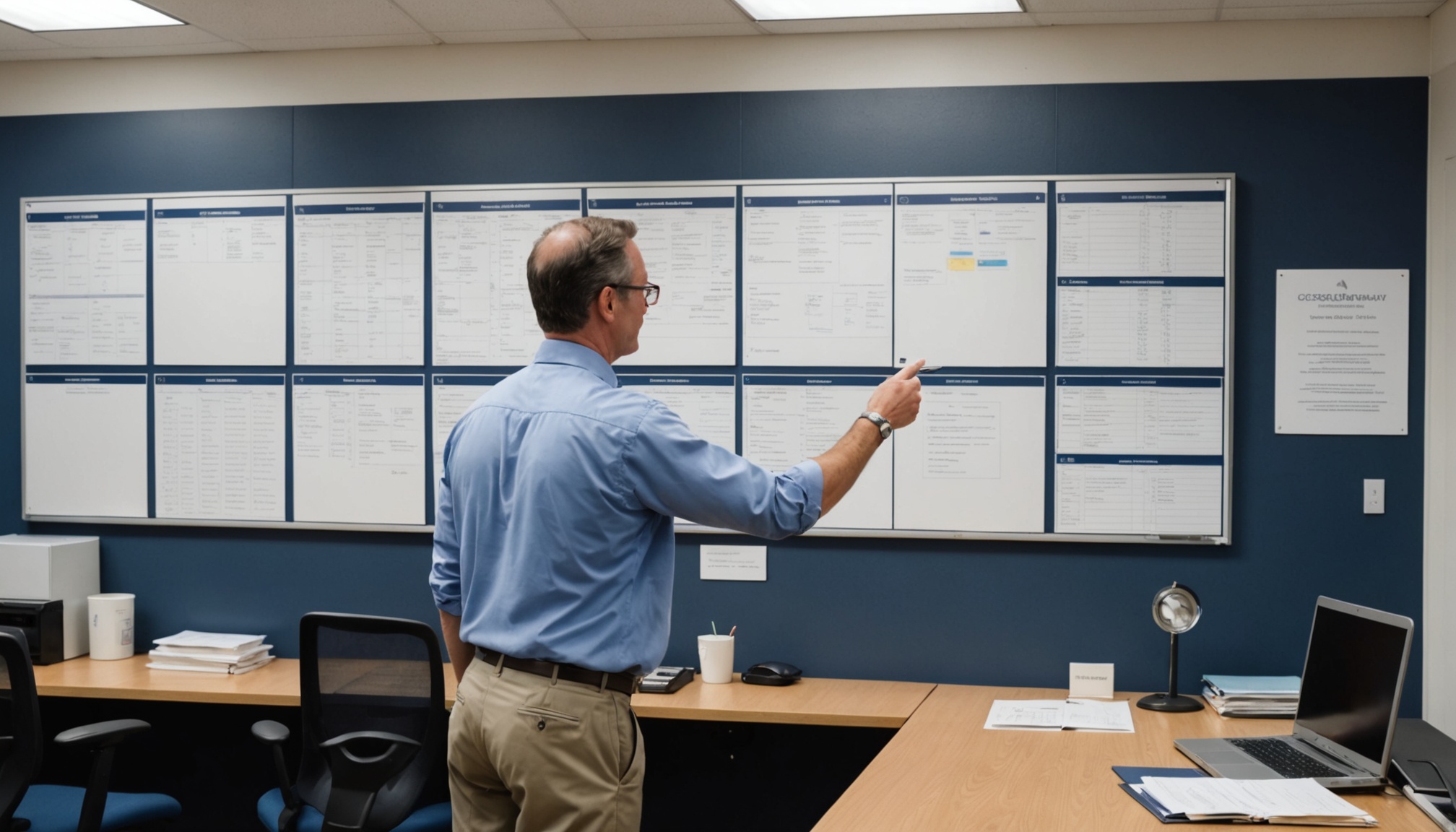
Manual adjuster assignment in commercial claims is typically a supervisor judgment call made with incomplete caseload information. Fnolwise integrates with the carrier's claims management system to retrieve current adjuster caseloads and specialty designations, then recommends the assignment that matches the FNOL severity tier and loss category with adjuster availability. Assignment recommendations are surfaced to the claims supervisor for one-click confirmation rather than manual file review.

ClaimCenter and Duck Creek Push
The most time-consuming step in commercial FNOL handling is re-keying intake data from email or phone notes into the claims management system. Fnolwise writes the structured FNOL record — intake fields, severity tier, coverage flags, and assignment recommendation — directly to Guidewire ClaimCenter or Duck Creek Claims via certified API integration. The adjuster opens the claim file and finds a complete, structured FNOL record already populated. No re-entry. No transcription errors.
FNOL Analytics and Reporting
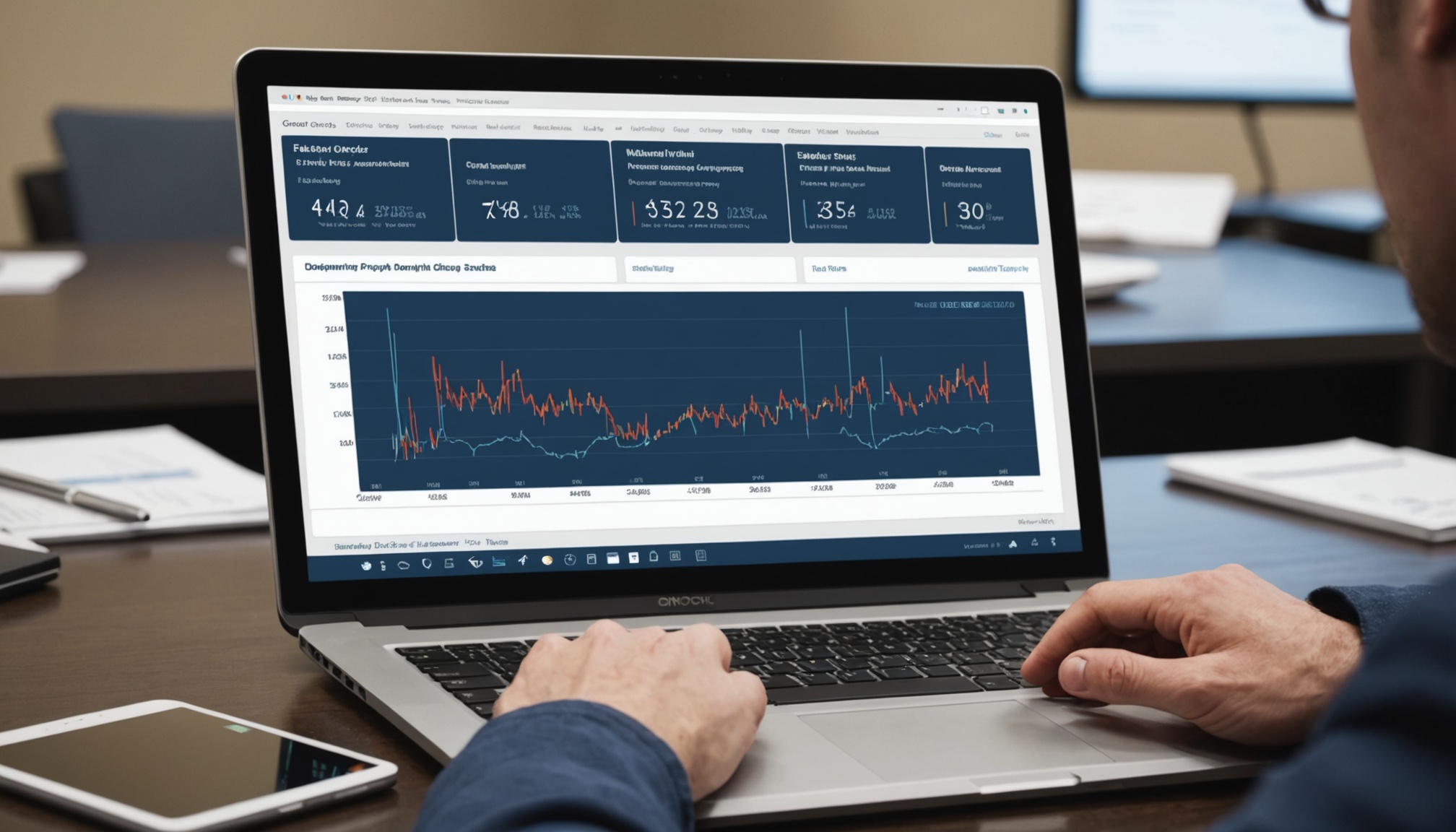
Claims operations leaders receive a weekly reporting package covering FNOL volume by loss type, average FNOL-to-assignment lag by severity tier, intake completeness rate by submission channel, and triage classification accuracy. Reporting surfaces the intake channels and loss types driving incomplete records so operations can address training or configuration gaps. All metrics are available via dashboard with trailing 90-day history and are exportable for QA and regulatory reporting.